

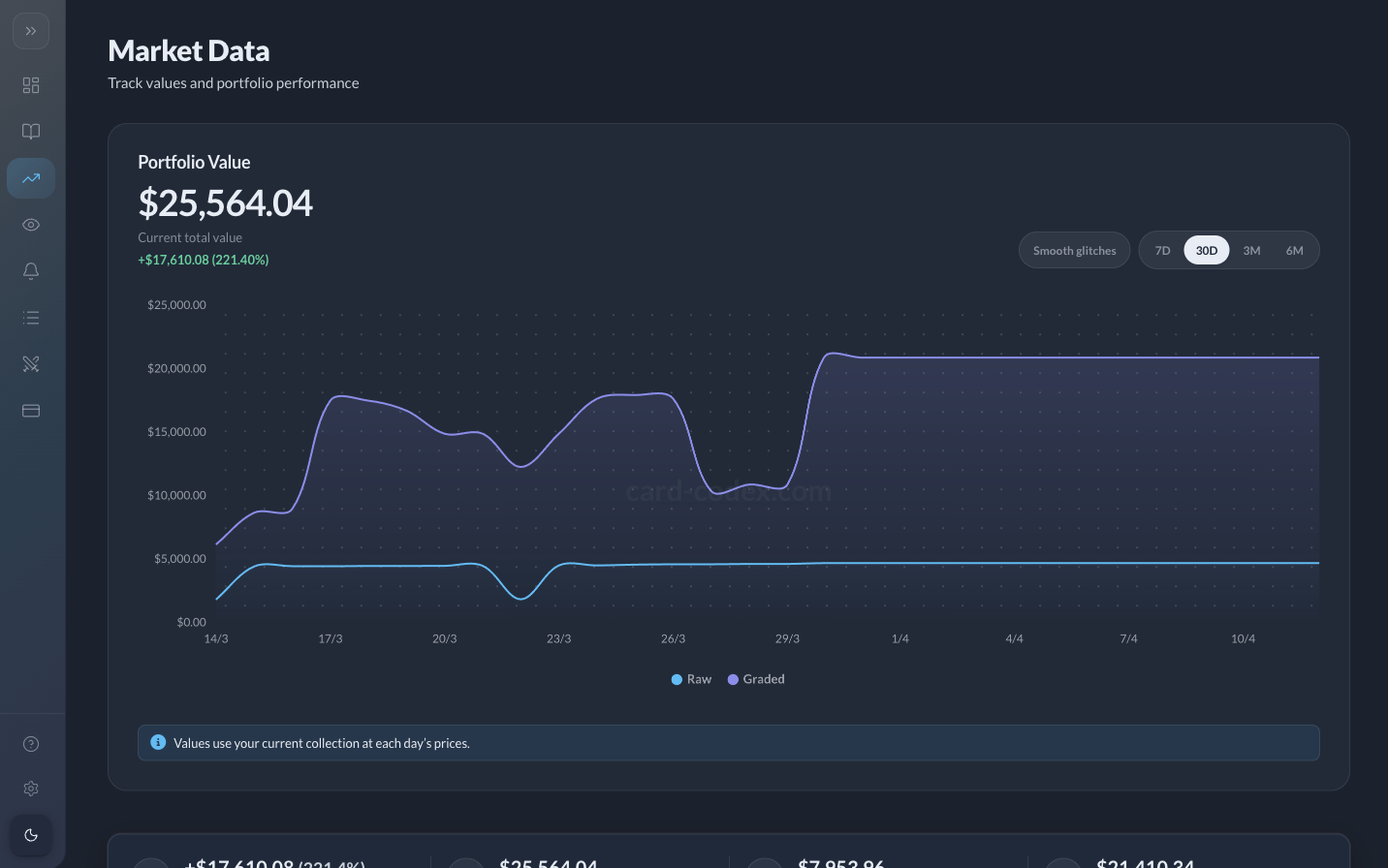
The Market Data tab under your user menu highlights the most valuable cards you track (raw and graded paths when applicable) and complements the charts or stat cards on your Profile. Think of it as a focused lens on “what here is moving the needle?” rather than the full collection grid.
Requirements
- You need saved cards in My Collection with matching price rows for meaningful dollar rankings.
- Graded valuations appear when you are a Pro member tracking slabbed variants; free accounts emphasize raw inventory.
How to use it
Open Market Data from the sidebar, review the automatically sorted highlights, then click through to any card for deeper context, history, or alerts. Pair this tab with Price alerts if you want notifications when market conditions change.
Tracking slabs? Pro unlocks graded collection entries so Market Data reflects them.
See the whole portfolio picture
Pro combines unlimited inventory, graded support, and expanded currencies for serious market monitoring.
Still need help?
Our team and the community are happy to point you in the right direction.
- Join us on Discord for quick questions, feature discussion, and updates.
- Email [email protected] for account or billing questions and detailed support.